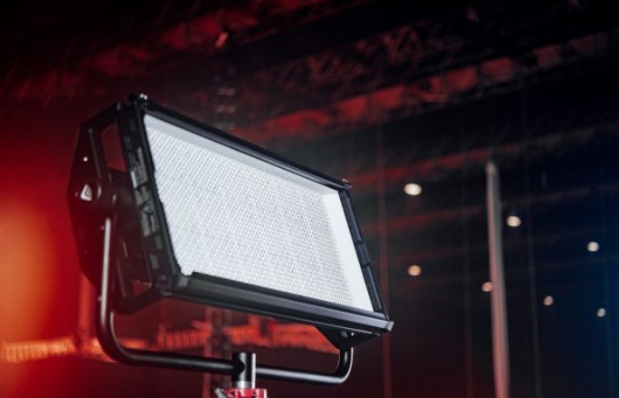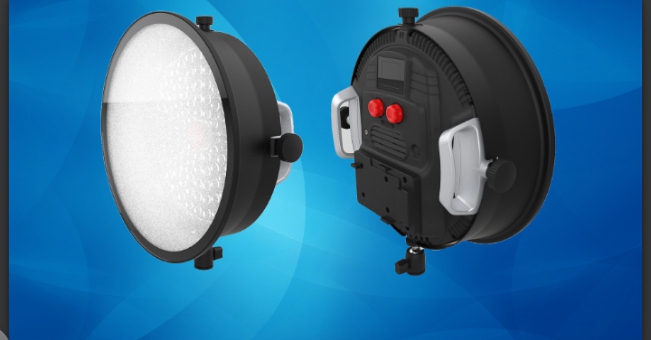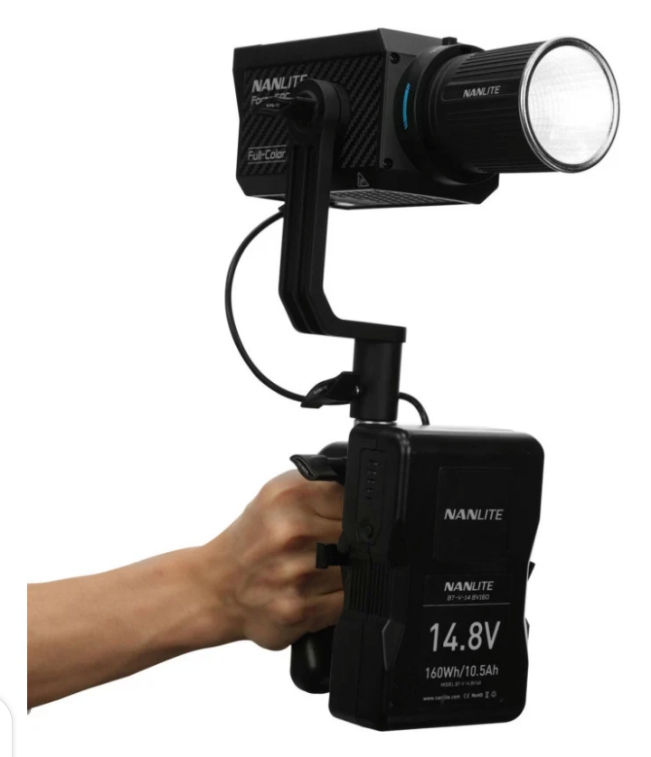
Aputure’s Firmware version 1.4 improves your INFINIMAT lights by making them more reliable and easier to control. Instead of introducing new hardware, this update enhances performance, simplifies the interface, and fixes existing issues to streamline your workflow.
The improvements focus on DMX and CRMX control, fan behavior, smoothing settings, and interface consistency. With this update, users will enjoy smoother light transitions, more predictable performance, and a more intuitive operation across all setups.
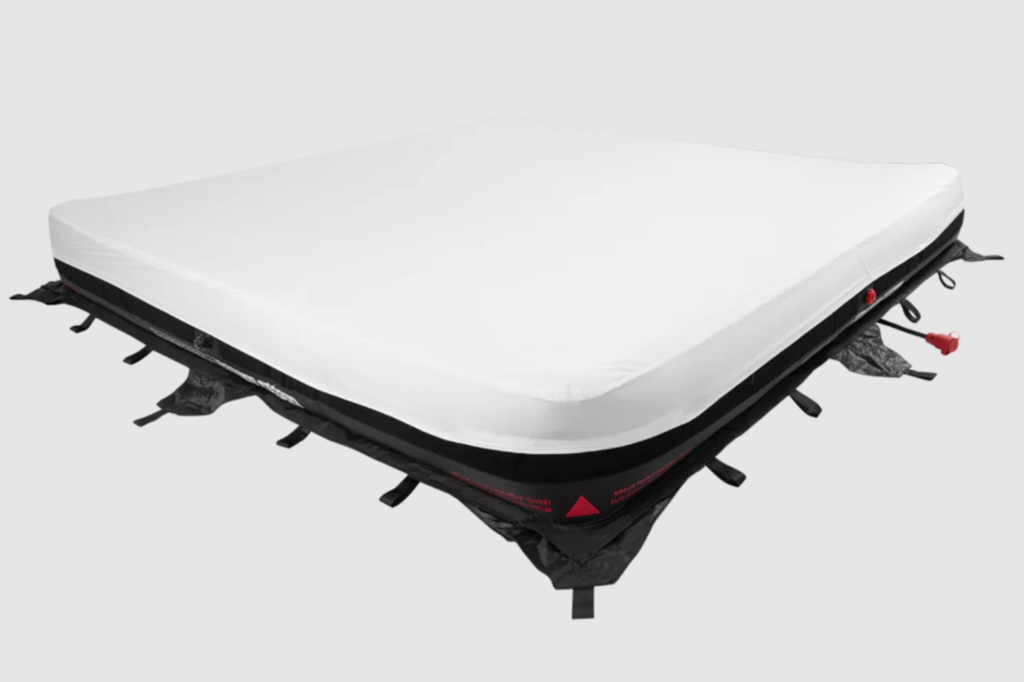
Key New Features in Firmware 1.4
Independent DMX Addressing
With this update, you can now set DMX addresses separately for each port. This lets multiple lights work independently on the same network without interfering with each other.
For example, in a studio with several INFINIMATs, you can control each light on its own. This makes complex setups faster to arrange and reduces mistakes.
DMX Status Screen
Firmware 1.4 adds a DMX Status Screen that shows all active DMX addresses. This helps you see which lights are responding and the strength of the signal.
You can quickly check the network during shoots, saving time and preventing delays caused by guessing which lights are active.
Updated Factory Reset & Shortcuts
The Factory Reset and Sidus BT shortcuts have been made simpler. Press and hold MENU to enter Factory Reset, and press and hold BACK to confirm Sidus BT reset.
This small change makes resets and troubleshooting easier, faster, and more intuitive for users.
Improved CRMX Interface
The CRMX settings menu now works more smoothly. The layout is clearer, and RX behavior is more predictable, making wireless control easier. In practice, this reduces connection issues and keeps your lights stable during long shoots, which is essential for professional setups.
Performance and Usability Improvements
Better DMX & CRMX Performance
Firmware 1.4 handles DMX signals and CRMX reception more reliably. The signal strength display now works even when no data is sent, giving accurate feedback on network status.
This ensures your lights behave as expected during complex setups and reduces confusion when using multiple fixtures together.
Refined Fan Mode and Smoothing
Fan behavior has been updated, and the smoothing settings improved. Lights now change colors and brightness more smoothly.
Updated fan logic also lowers unnecessary noise in quiet studios or locations, keeping your workspace comfortable without affecting performance.
Power Distribution and Stability
Restarting your lights now uses the same power mapping as before, making operation more predictable. Firmware updates are also more reliable, with fewer risks of errors during installation.
This ensures consistent performance across all fixtures and reduces interruptions during shoots.
User Interface and Bug Fixes
The interface now shows Port labels instead of “Zone,” displays 50% power as text, and fixes formatting in the DMX Status screen. Many small bugs have also been fixed to make the system more stable.
These improvements create a smoother, more professional experience, making menus easier to use and reducing accidental mistakes.
How to Update INFINIMAT Firmware 1.4
Requirements Before Updating
Before you start, make sure you have:
- A USB flash drive formatted to FAT32
- The latest firmware from Aputure’s official support page
- A stable power connection to the control box
USB Firmware Installation
- Download the firmware file from Aputure’s support site.
- Copy it to your USB drive.
- Insert the USB into the INFINIMAT control box.
- Open System Settings and select Firmware Update.
- Confirm and wait for the update to install.
Important: Do not turn off the lights during the update. The process usually takes a few minutes.
Post-Update Verification
After installation, restart the control box. Check the firmware version in the menu, and test DMX or Sidus Link control to make sure everything works.
This quick check ensures the update installed correctly and your lights are ready for use.
Firmware 1.4 improves performance, usability, and reliability of your INFINIMAT lights. It adds independent DMX addressing, a DMX Status Screen, updated CRMX controls, and fixes multiple UI and system bugs.
The update must be installed using a USB drive. Follow the instructions provided by Aputure to avoid interruptions during the process, and ensure all lights are powered.
As with any firmware update, there is a small risk if power is lost during installation. Following Aputure’s instructions and using the recommended USB method minimizes this risk.
Yes. Firmware 1.4 is designed to improve existing setups, not change your current configurations. DMX, CRMX, and network settings remain compatible while offering better control and stability.
CREDIT – https://help.aputure.com/en/infinimat/firmware-update-v1.4
https://www.newsshooter.com/2026/02/27/aputure-infinimat-firmware-version-1-4/