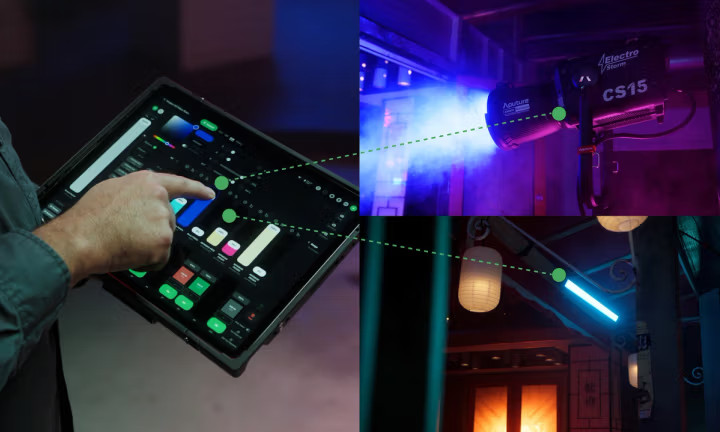
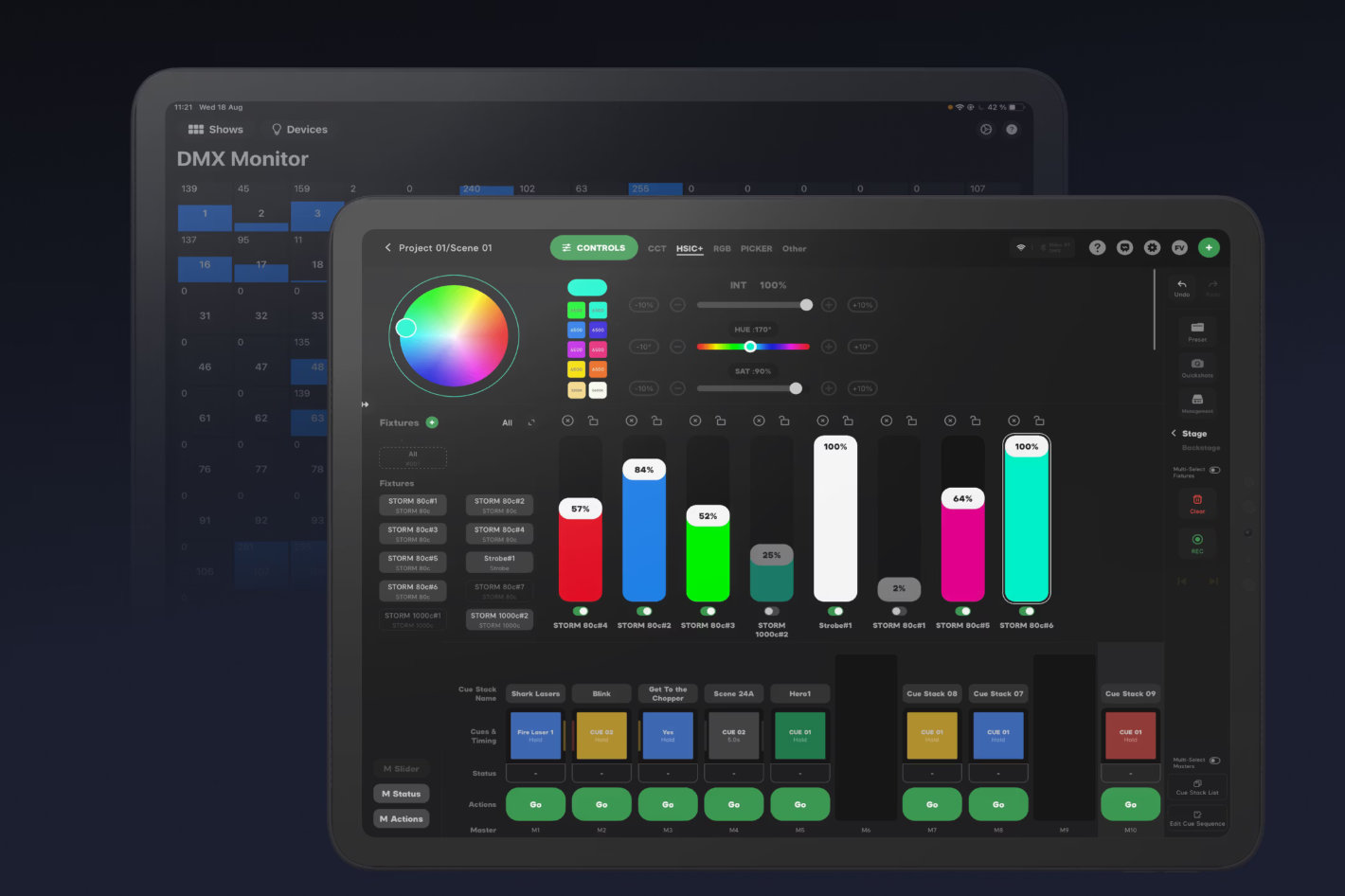
The Sidus Link Pro 2.1 free plan gives you free Bluetooth control for every current Aputure and amaran light, right from your iPad. You don’t need a subscription just to dim lights, match colors, or run effects, everything is in one clean screen while you’re on set. That makes it a real upgrade for small crews and creators who want fast control without extra gear.
Free is strong, but it has a clear lane. It’s made for Bluetooth lighting setups. If your shoot needs DMX, CRMX, or multi-universe control for bigger rigs, you’ll hit the free plan’s limits and may want the Pro or Max tier instead.
Key takeaways
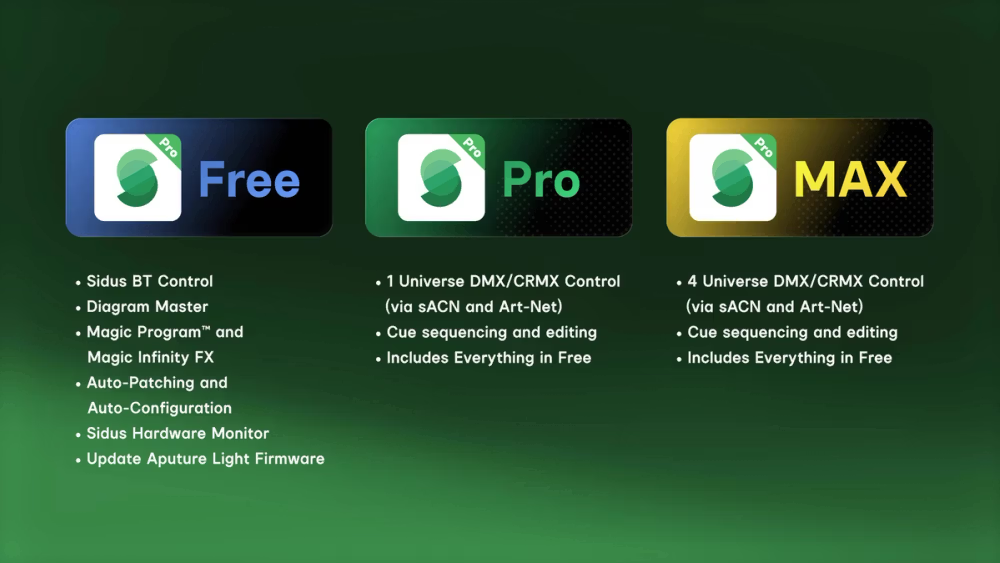
- The free plan in Sidus Link Pro 2.1 gives full Bluetooth control for any Aputure or amaran light.
- You also get the app’s light modes, FX, Quickshots, Magic Program, Magic Infinity FX, and Diagram Master.
- Free plan is iPad-only and defaults to Bluetooth view when you open a show.
- Paid plans add DMX/CRMX control: Pro = 1 DMX universe, Max = 4 universes, with sACN/Art-Net over Wi-Fi.
- If you shoot with small kits, interviews, YouTube, or short films with Aputure/amaran lights, Free may be all you need.
What changed in Sidus Link Pro 2.1
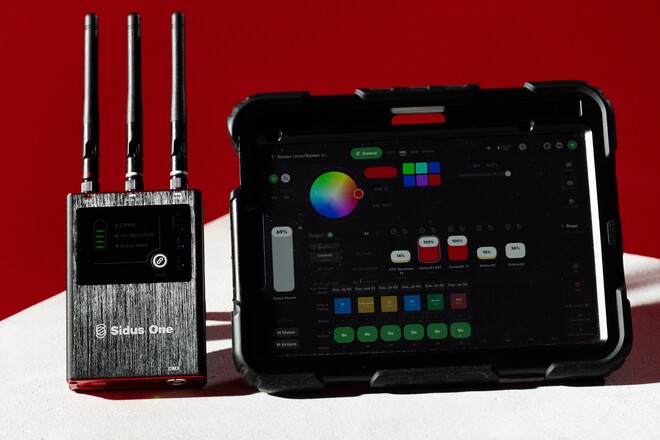
Sidus Link Pro has always been Aputure’s “console on an iPad.” It can run Bluetooth lights, but also talk to DMX and CRMX gear through Wi-Fi and nodes. With version 2.1, Aputure added a new Free plan focused on Bluetooth work. When you open any show file while on Free, the app now drops you into Sidus BT View first, so you can control lights right away without digging through menus. This update is basically Aputure saying: “If you’re not ready for DMX yet, you should still get Pro’s clean workflow and creative tools.”
What the Sidus Link Pro 2.1 free plan includes
Full Bluetooth control for Aputure and amaran lights
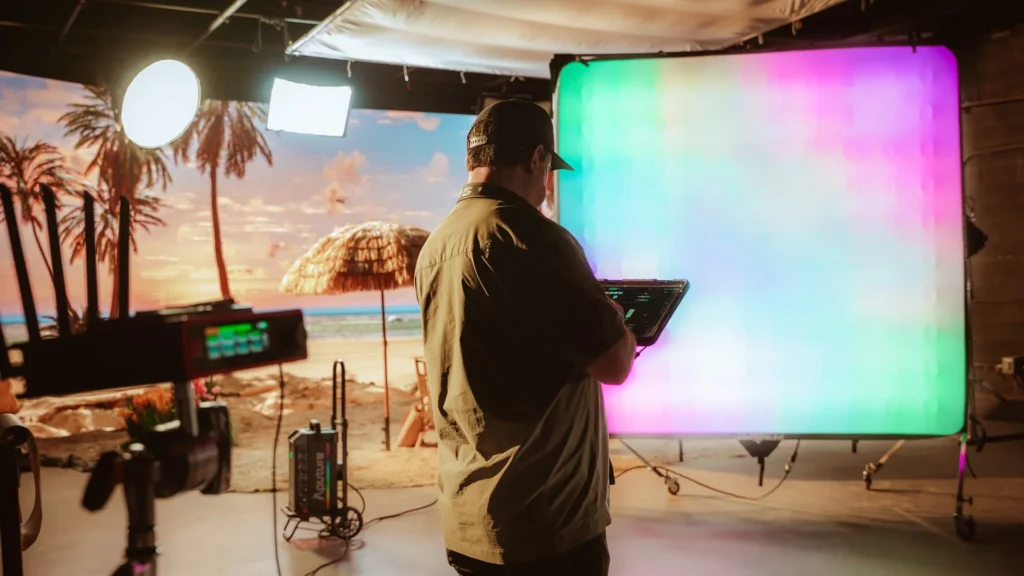
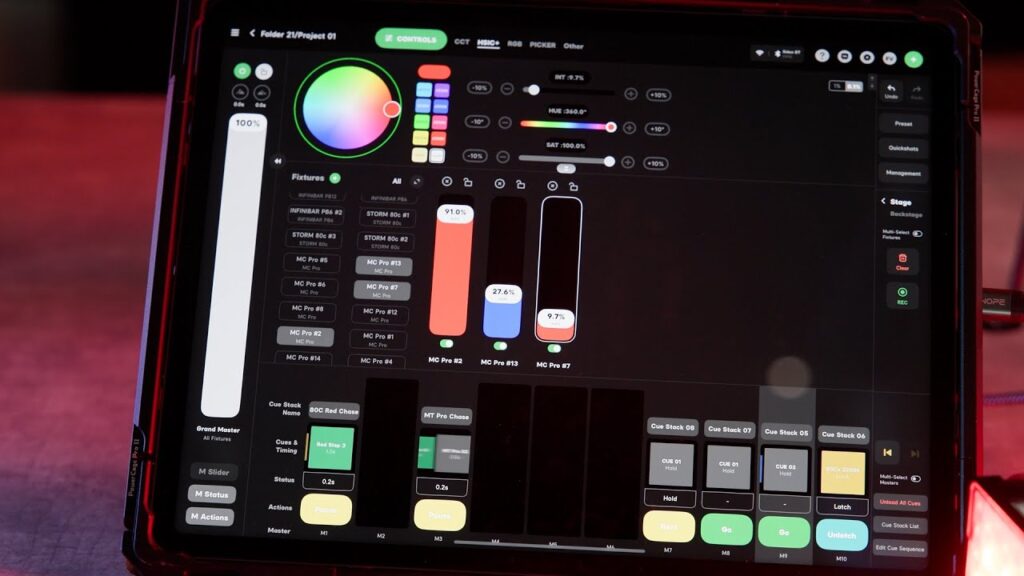
With the free plan, you can control any Aputure or amaran light that has Sidus Bluetooth built in. Your iPad connects straight to the fixtures with no cables or extra boxes. You can change brightness, shift white balance, pick colors, and apply gel looks from one screen instead of walking to each light. You can rename lights, group them by purpose (like key, fill, background), and adjust a whole group at once. For most small and medium shoots, this feels like a clean, simple lighting desk that fits in your bag.
Works with every current Aputure and amaran fixture
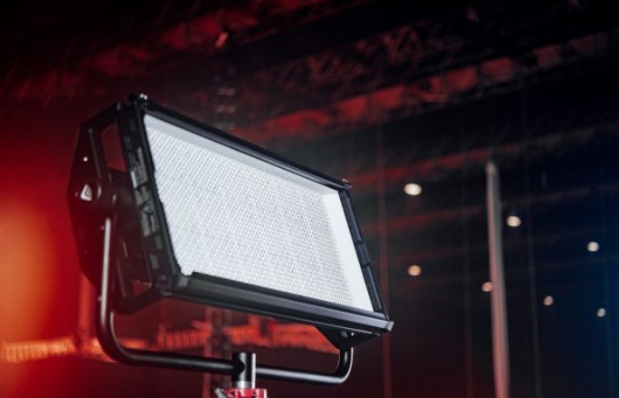
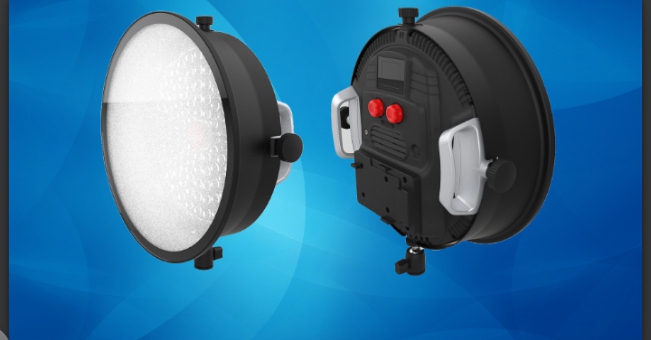
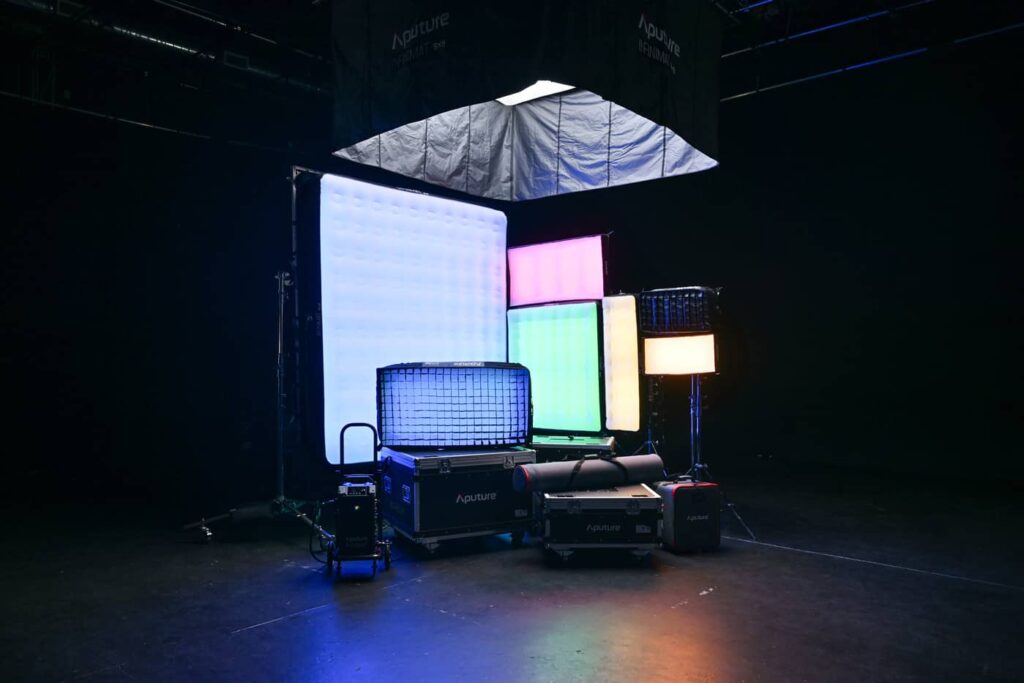
The free plan is not limited to a few models. It works with the full modern Bluetooth lineup from Aputure and amaran, including popular fixtures like the Nova panels, LS 600/300/150 series, amaran 100/200/300 and 60 series, flexible lights like the F22c, and other current Sidus-enabled units. In simple terms, if your Aputure or amaran light shows the Sidus Bluetooth logo or menu option, you can expect it to show up and work inside Pro Free.
Full Effects library
You also get the full effects library. These are built-in lighting animations that make scenes feel real without you having to program anything. You can create firelight for a cozy or dramatic flicker, TV flicker for living-room scenes, lightning flashes for storms, paparazzi bursts for red-carpet moments, strobes for clubs, explosion flashes for action beats, and many more. Each effect can be adjusted so it looks natural for your scene. You can control things like speed, intensity, and randomness, then save the effect so you can bring it back later with one tap.
Quickshots
Quickshots let you save and replay multi-light changes as a single action. Imagine you’ve set up a full look with several lights, then you want to switch to a new mood for the next take. Instead of adjusting every fixture again, you can record that change as a Quickshot. Later, one tap can repeat the same sequence across all your connected lights. This is useful for interviews with different “segments,” music videos with beat drops, or narrative scenes where lighting shifts during a moment. It helps you work faster and stay consistent.
Source Match
Source Match is a fast way to copy real-world light into your fixtures. You point your phone’s camera at a light source you like, maybe a lamp in a room, sunset through a window, or a neon sign, and the app reads that color and intensity feel. Then it matches your Aputure/amaran lights to that look. This saves time when you’re trying to blend your lights into an existing environment instead of fighting it. It’s especially helpful for documentary or location work where the light changes quickly.
Color Picker
Color Picker lets you pull a color from an image and send it to your lights. You can load a photo or frame that has the tone you want, like a brand color, a movie still, or a mood reference, and tap the exact color area. The app then sets your lights to that shade. It’s a quick way to make your lighting match wardrobe, set design, or a client’s style guide without guessing.
Up to 100 lights visible at once
Inside the app, you can see and manage up to about 100 lights at a time in the interface. That doesn’t mean Bluetooth magically reaches 100 fixtures from far away, but it does mean the software won’t choke as your setup grows. In real use, Bluetooth range is still the limit, and outdoors you’re generally looking at roughly 50-80 meters depending on obstacles. For most Bluetooth jobs, that’s plenty. The key benefit is that Free doesn’t cap you at a tiny number of lights in the app view.
Diagram Master (lighting diagrams inside the app)
Diagram Master is included in Free, so you can plan your setup visually. You can sketch a simple top-down view of your set, drop icons for lights where they are placed, and label them. This helps you think clearly about where your key, fill, and background lights actually sit. It also makes repeating a setup easier, because your diagram becomes a simple map you can reopen later. If you work with a small crew, this is also a quick way to show everyone the lighting plan without a separate diagram app.
All 12 Light Modes (CCT, HSI, XY, Gel, RGBWW, and more)
The free plan gives you every main lighting mode that your fixture supports. CCT mode lets you set clean white light by choosing a color temperature, like 3200K for warm indoor light or 5600K for daylight. HSI mode lets you pick a color by hue, saturation, and intensity, which is great when you want fast creative control without thinking in numbers. XY mode gives you a more visual way to choose colors on a chart, useful for matching specific tones.
Gel mode lets you apply classic film gel looks instantly, so you don’t need actual gels on the lights. RGBWW and other color-mix modes are included too, which means you can push richer colors or more accurate skin tones depending on the lamp. The point is: you are not “locked out” of any creative mode just because you’re on Free.
Sidus Hardware Monitor
Sidus Hardware Monitor acts like a quick health check for your setup. It shows which lights are connected, which ones are responding well, and if anything looks off. If a fixture drops connection, needs attention, or is behaving strangely, the monitor helps you spot it faster. This keeps you from wasting time guessing where a problem is coming from.
Auto-patching and auto-configuration for Aputure gear
Auto-patching means the app recognizes supported Aputure/amaran fixtures and sets them up automatically. In older lighting consoles, patching can be slow because you must assign addresses and channels by hand. Here, the app handles that for you, so your lights are ready to control in seconds. Auto-configuration adds smart defaults so groups, modes, and controls behave predictably as soon as you connect, which is a big deal when you’re trying to move fast on set.
Firmware updates for Aputure lights
The free plan lets you update your Aputure/amaran lights right inside the app. Firmware updates often fix bugs, add new features, and improve connection stability. Keeping this free is important because it means you don’t have to pay just to keep your gear working properly and up to date.
7-day trial access to paid plans
Even on Free, you can unlock Pro or Max for seven days when you need to. If a bigger job comes up and you need DMX or CRMX control, you can test those tools on a real set instead of guessing from a feature list. After the trial, you can go back to Free or subscribe if the paid features truly fit your workflow.
Getting started fast: your first 15 minutes on the free plan
Here’s a practical setup flow you can do right before a shoot.
1. Install and open Sidus Link Pro on iPad
Download Sidus Link Pro from the App Store and open it on your iPad.
Log in or create an account. Free plan starts automatically.
2. Create a show (or open an existing one)
Tap to create a new workspace/show, or open a saved show file.
On Free, the app will land in Sidus BT View by default.
3. Turn on your Aputure/amaran lights
Make sure Bluetooth/Sidus control is enabled on the fixtures.
Keep them close at first so pairing is smooth.
4. Add lights into the app
In BT View, scan for nearby fixtures and add them.
Name them simply (Key, Fill, Back, Practical 1).
Grouping early saves time later.
5. Set quick looks
Start with:
- Set brightness
- Choose a white balance (example: 5600K for daylight)
- Add gels or color if needed
- Save as a preset or scene
6. Use FX and Quickshots when useful
Because FX and Quickshots are free, you can:
- Add lightning / fire / TV flicker
- Build fast “mood shifts”
- Save effect recipes for repeated use
That’s basically it. If you can handle Sidus Link Mobile, you’ll feel at home here, just with a bigger, cleaner workspace.